
Get our weekly roundup of smart savings tips.



Smart speakers explained: Alexa vs Google vs Apple, what they really do
Smart speakers explained without the jargon. What Alexa, Google, and Apple speakers actually do, what they don't, and which one fits.
Smart speakers explained: Alexa vs Google vs Apple, what they really do
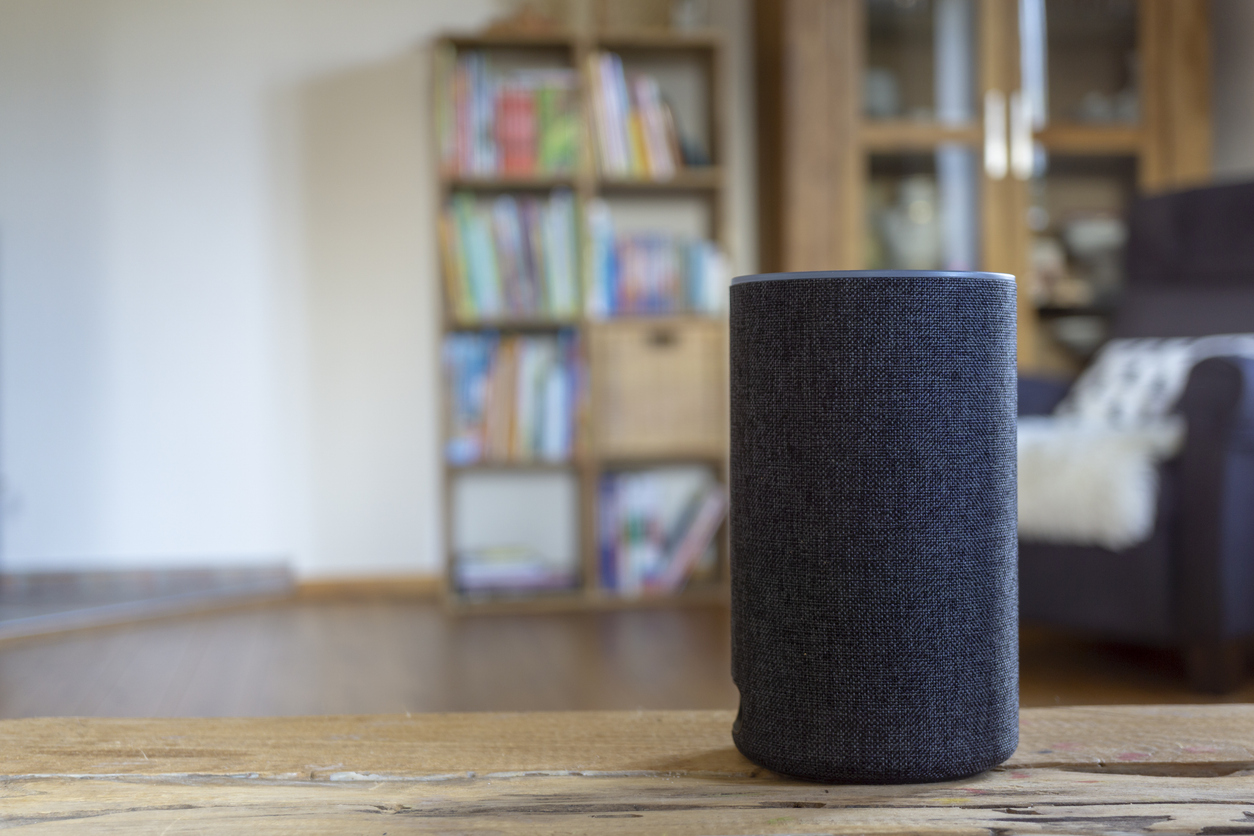
Smart speakers are the most useful gadget most people don't have. They're not magic and they're not spying on you all day. Here's what they actually do, what they don't, and which one fits your situation.
Smart speakers got a weird reputation in their first decade. Half the press treated them like the future of computing. The other half treated them like always-listening surveillance devices. The reality is more mundane. They're a useful, optional gadget that adds a hands-free voice interface to a few specific tasks.
Here's what they really do, what they don't, and which ecosystem fits which person.
What a smart speaker actually is
A small speaker with a microphone, an internet connection, and an AI voice assistant. You say a wake word ("Alexa," "Hey Google," "Hey Siri"), then ask a question or give a command. The assistant responds out loud.
They DO listen continuously for the wake word. They do NOT record continuously and send everything to the company. The recording starts when the wake word is detected and stops when the request is over. You can review and delete all recordings in the app for each platform.
The 10 things smart speakers are actually useful for
Honest list. Not the exhaustive feature catalog the marketing departments push, but the things people actually use them for day after day.
Setting kitchen timers without touching a phone with wet hands
Setting reminders and alarms by voice
Playing music, podcasts, or audiobooks on demand
Asking quick factual questions ("What's the weather tomorrow?" "How many ounces in a quart?")
Hands-free calling to people in your contacts
Controlling smart bulbs or smart plugs by voice
Adding items to a shopping list while you're cooking
News briefings ("Alexa, what's the news?")
Playing white noise or sleep sounds at night
Quick conversion ("How many tablespoons in a cup?")
That's 80 percent of usage for most owners. Anything fancier (controlling complex smart home setups, multi-room audio, voice shopping) is optional and most users don't bother.
Amazon Echo (Alexa): the most flexible
Strengths
Largest ecosystem of compatible smart home devices
Works with thousands of third-party services and apps (called "skills")
Cheapest hardware (Echo Dot starts at $50)
Best for households with mixed phone types (iPhone and Android in the same house)
Excellent for shopping integration if you use Amazon often
Weaknesses
More aggressive product upselling than competitors
Sound quality on cheaper models is mediocre
Privacy concerns surrounding Amazon data practices (Ring camera ownership)
Best for
People who want the most flexibility, the lowest entry price, and the most compatibility with other smart home gadgets. Default choice for households with mixed phone brands.
Google Nest (Google Assistant): the smartest
Strengths
Best at answering general knowledge questions (it's Google)
Strongest natural language understanding
Excellent integration with Google services (Gmail, Google Calendar, YouTube)
Sound quality on Nest Audio is the best of the budget options
Weaknesses
Smaller ecosystem of compatible devices than Amazon
Google has discontinued and changed product lines several times, making long-term commitment uncertain
Requires a Google account, with all the data privacy considerations that brings
Best for
Heavy users of Google services (Gmail, Google Calendar, Google Photos). Android phone users. People who ask their voice assistant a lot of knowledge questions.
Apple HomePod (Siri): the privacy-first option
Strengths
Best privacy practices of the three (most processing happens on-device)
Excellent sound quality on HomePod and HomePod mini
Seamless integration with iPhone, iPad, Mac, and Apple TV
Doesn't push you to buy more Apple stuff aggressively
Weaknesses
Siri is widely considered the weakest of the three assistants for general knowledge questions
Smaller smart home compatibility (though HomeKit/Matter has grown)
Higher price point ($99 for HomePod mini vs $50 for Echo Dot)
Only useful if everyone in your household uses Apple devices
Best for
All-Apple households. People who value privacy. People who care more about sound quality than feature breadth.
Side-by-side at a glance
FactorAmazon EchoGoogle NestApple HomePodEntry price$50 (Echo Dot)$50 (Nest Mini)$99 (HomePod mini)Sound qualityFair to goodGoodExcellentAssistant smartsGoodBestWeakestPrivacy practicesConcernsConcernsBest of the threeSmart home compatibilityLargestLargeGrowingBest forMixed householdsGoogle usersAll-Apple households
The privacy question, addressed honestly
Smart speakers do not record everything you say. They listen for the wake word and only record after it's detected. You can review every recording in the companion app and delete them. You can also turn off voice recording entirely (the speaker still works, but its features are reduced).
The privacy risk that's actually real: the company storing your data can use it for advertising or share it with law enforcement under legal request. Apple has the strongest privacy stance because most processing happens on-device. Google and Amazon process more data in the cloud.
Personal threshold: if you're already comfortable with a smartphone (which has the same microphone and same data practices), a smart speaker isn't meaningfully different. If you don't use a smartphone, the privacy concern is more legitimate.
Where to start
Don't overthink it. Buy the cheapest entry-level model of whichever ecosystem fits your other devices. Echo Dot ($50), Nest Mini ($50), or HomePod mini ($99). Put it in the kitchen or bedroom (the two highest-use locations for smart speakers).
Use it for two weeks. If you find yourself reaching for it daily, you might add a second one for another room. If you forget about it after a week, sell it or give it away. No harm done at $50.
Three things to set up day one
First. Connect it to Wi-Fi using the app. Echo uses the Amazon Alexa app. Nest uses Google Home. HomePod uses Apple's Home app.
Second. Add your contacts so you can make hands-free calls. "Alexa, call Mary." "Hey Google, call my son." Useful for emergencies and for one-handed kitchen calls.
Third. Set the wake word sensitivity in the app. Default settings sometimes activate on similar-sounding words. Adjust if you hear it triggering accidentally.
What to do next
If you don't have a smart speaker and you're curious, buy a $50 entry-level model from the ecosystem you already use most. Set it up this Saturday. Spend a week using it for timers, weather, and music.
If after a week you find yourself ignoring it, that's useful information. Some people love these. Others find them mildly annoying. There's no wrong answer. The $50 is worth the experiment to find out.
Sources
1. Amazon, Echo product line specifications. amazon.com/echo
2. Google, Nest smart speaker information. store.google.com
3. Apple, HomePod mini specifications. apple.com/homepod-mini
4. Consumer Reports, Smart Speakers Buying Guide 2026. consumerreports.org/smart-speakers

Get our weekly roundup of smart savings tips.